Prerequisites
-
Must be a member of the sysadmin server role
-
To send email, the user must be a member of the DatabaseMailUserRole
-
Database Mail must be configured and enabled
-
SMTP server address
Create Profile and Account using Database Mail Wizard
- Log into the SQL Server using SSMS
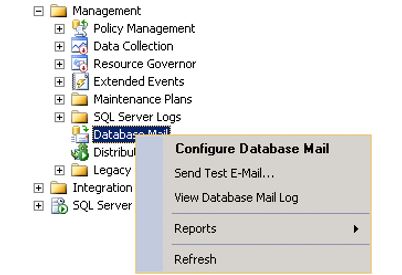
- Click on the plus sign and expand Management folder

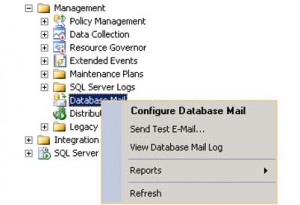
- Right-click on Database Mail and select Configure Database Mail
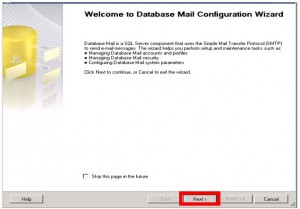
- Click Next
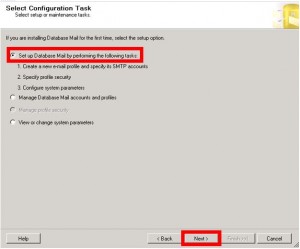
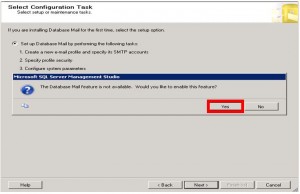
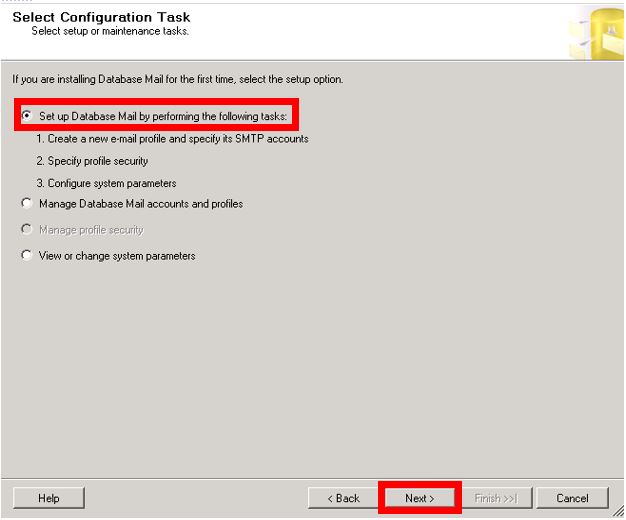
- Verify the radio button next to “Set up Database Mail by performing the following tasks:” is selected and click Next.
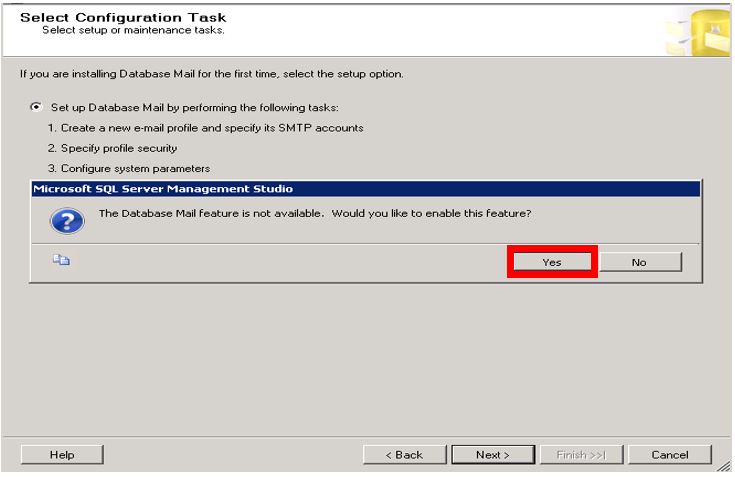
- Click Yes on the Popup
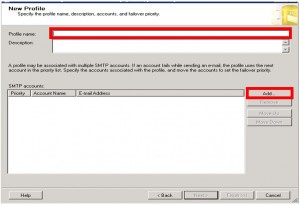
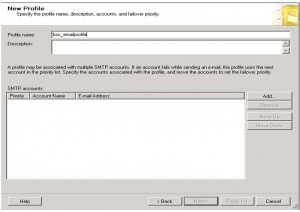
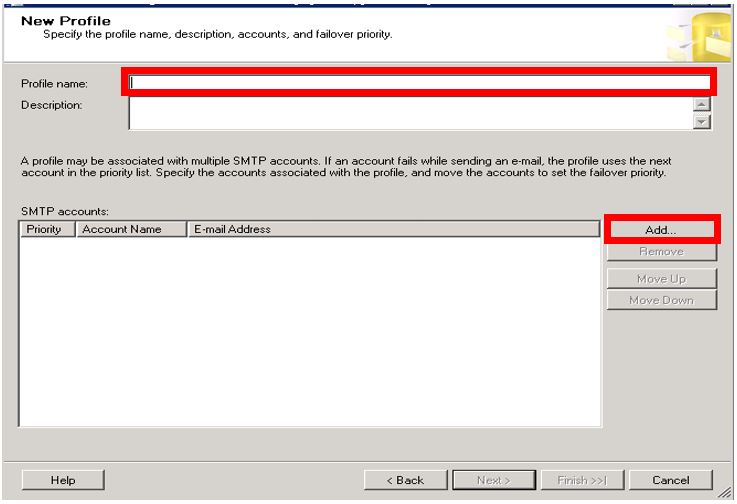
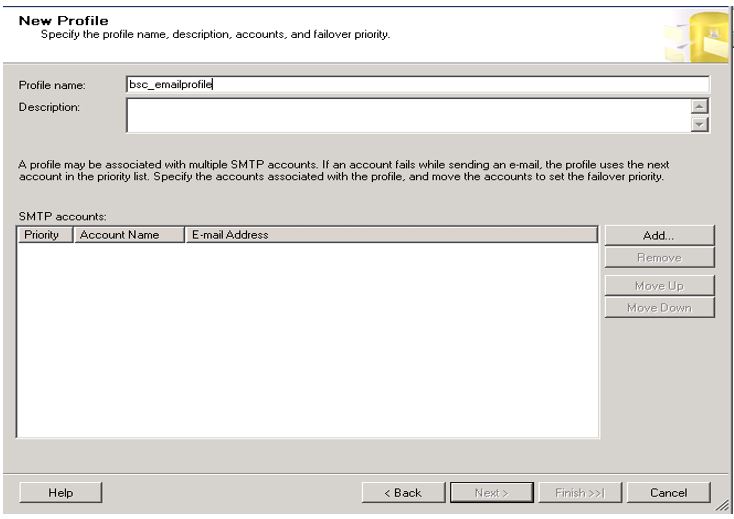
- On the New Profile Window, fill in the Profile Name and click Add
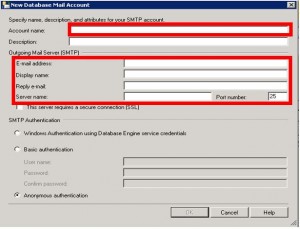
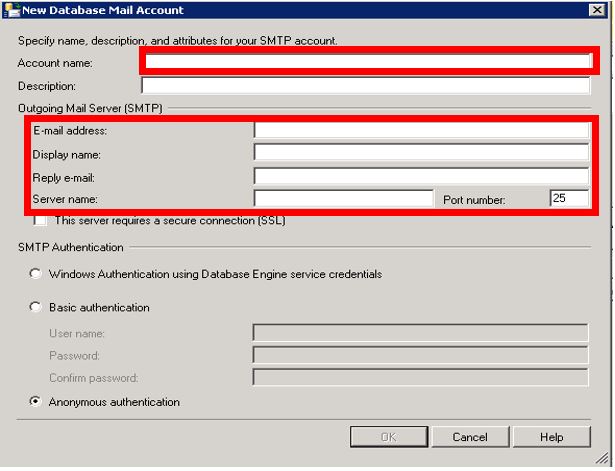
- On the New Database Mail Account Window, fill out Account Name, Email Address, Display Name, Reply Address, Server name, and Port number. **The Server Name is where you type in the smtp server address. **The below setup is for Anonymous authentication. Please check with your email provider if they request Authentication and/or a secure connection
- Click OK
- Click Next
- Click Next
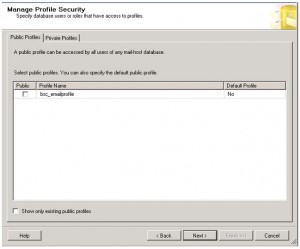
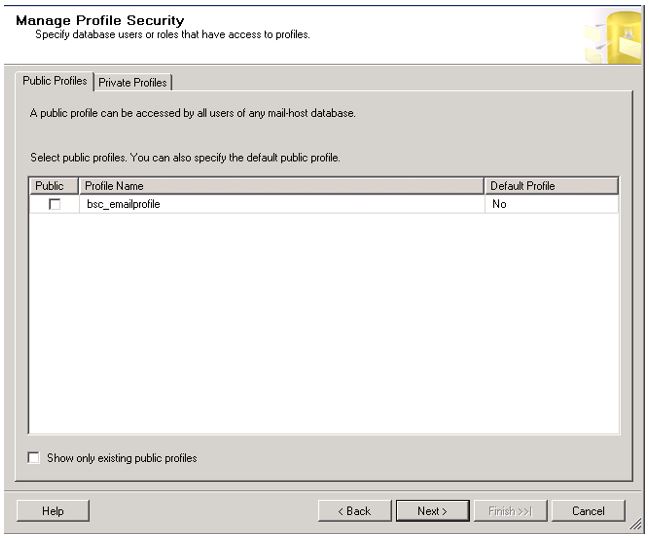
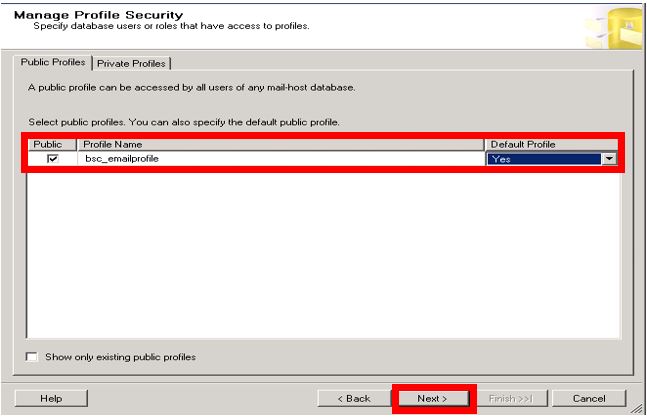
- Put a check mark in Public and set Default Profile = Yes and click Next
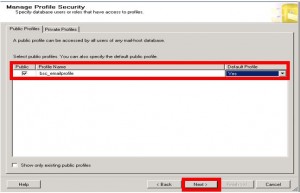
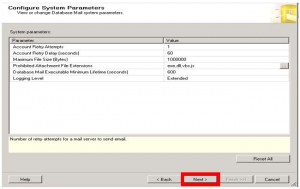
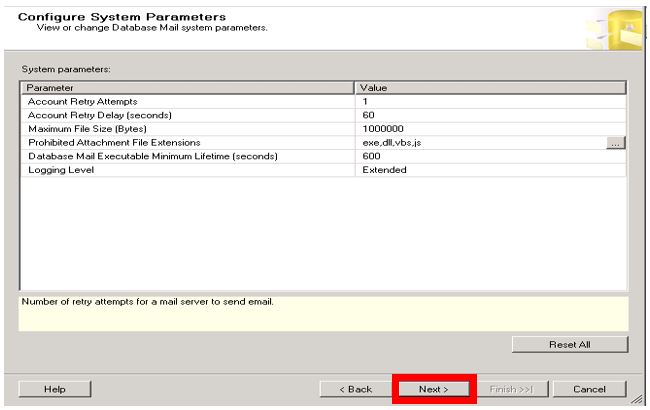
- Click Next
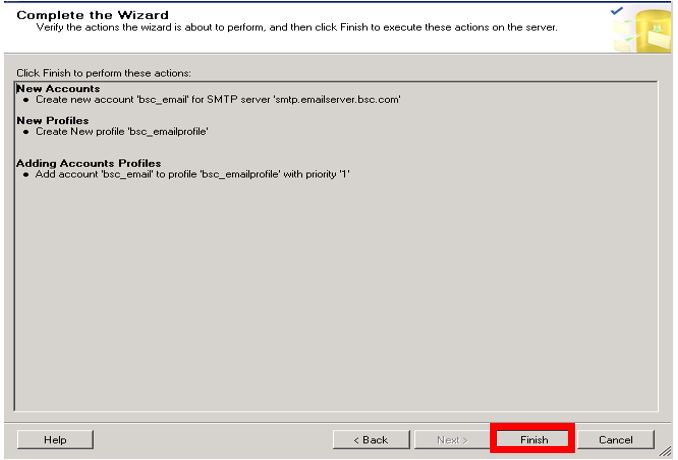
- Click Finish
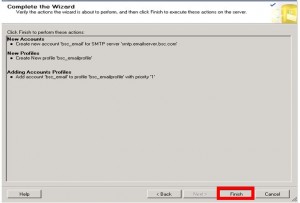
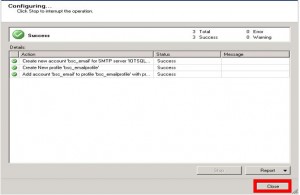
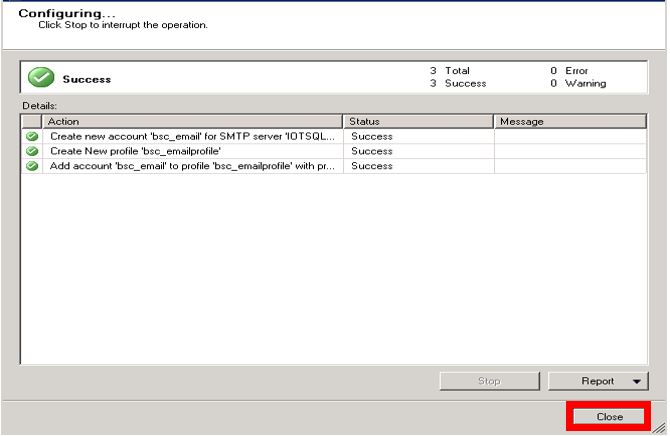
- Your configuration is now complete. Click Close.
Send Test Email
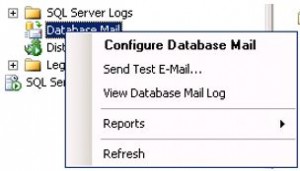
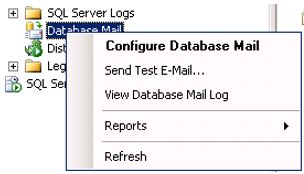
- Right-click on Database Mail and choose “Send Test Email”.
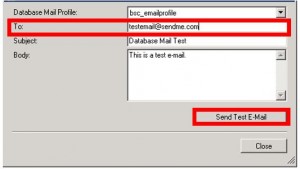
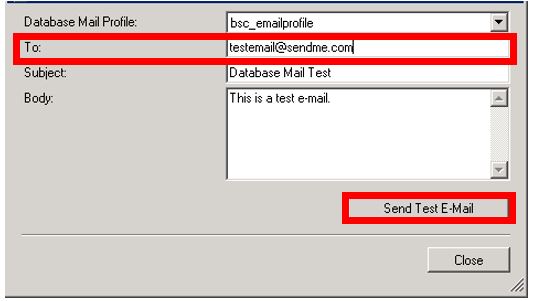
- In the Test Email window, fill in a valid email address in the “To:” field and click Send Test Email.
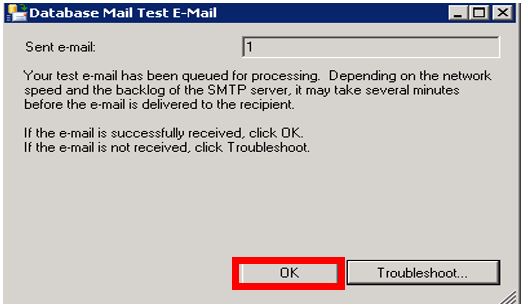
- Click OK
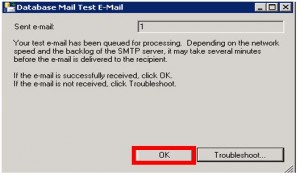
- Make note of the number in Sent e-mail box. This is the mailitem_id of the test.
- Verify test email is received.
Troubleshooting Steps
- On the Toolbar click New Query to open a Query Editor window.

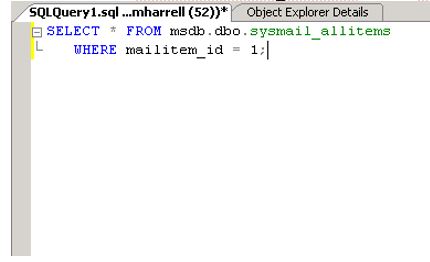
- Execute the following statement to determine the status of the test e-mail message. SELECT * FROM msdb.dbo.sysmail_allitems where mailitem_id = mailitem_id;
- Review the send_status column in the query results to verify the result of the sent email.

- If the result is failed. Run the following query. SELECT * FROM msdb.dbo.sysmail_event_log where mailitem_id = mailitem_id ; *** Use the description field to help you fix the issue.


Written By: Montrial Harrell